 Gentian
 / tattoo stencil maker
Photo in.
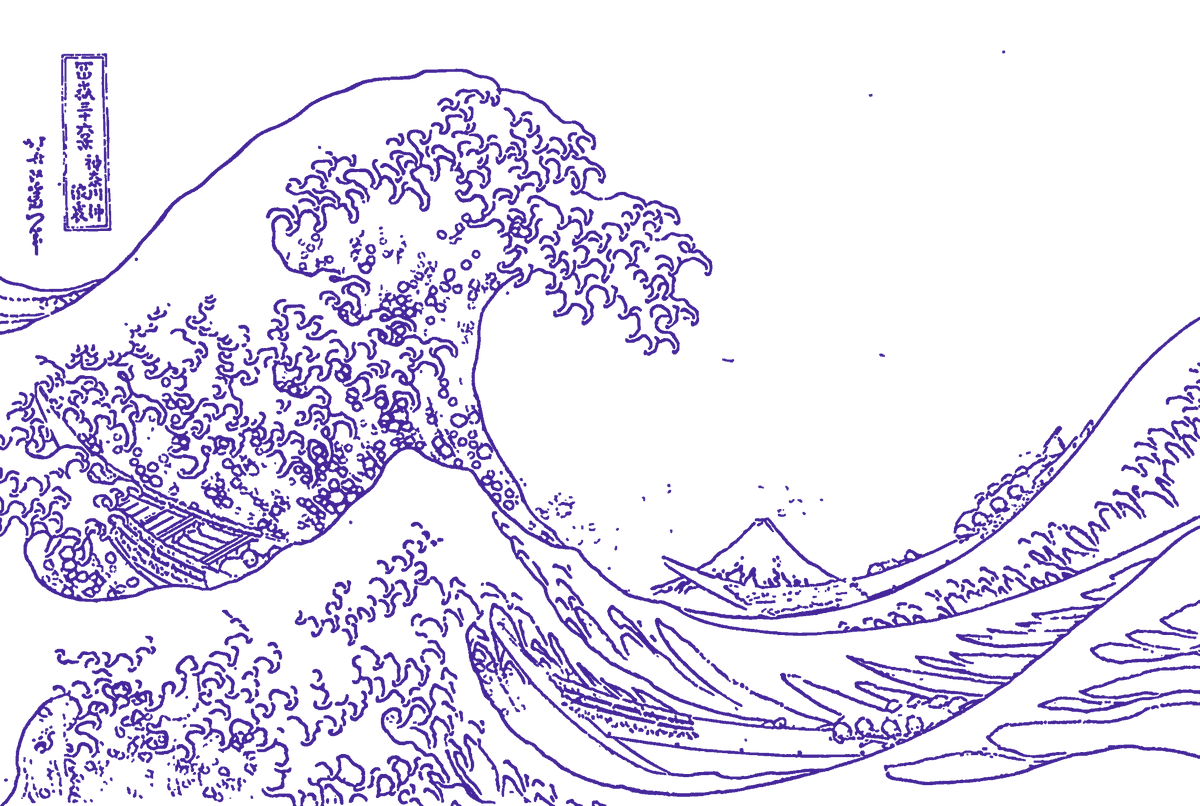
Clean lines out.
Gentian turns a photo or a drawing into line art for a stencil. You pull a bar down the picture and the lines print behind it. Then you set the size in inches or centimeters and print it, or save a 300 dpi file for a thermal printer. It runs on your iPhone or iPad, so there are no credits and no daily limit.
Coming soon to theApp Store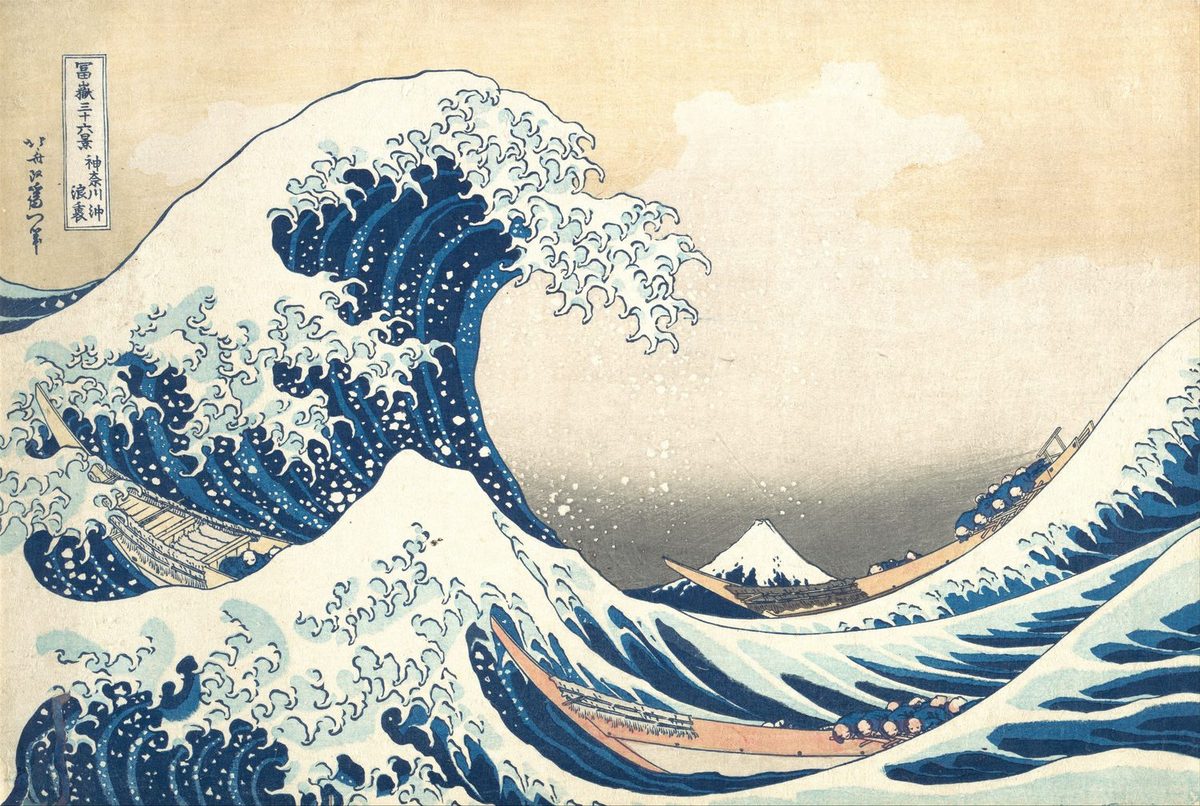
01 / Line weight
Line weight in real millimeters.
Pick 0.25, 0.35, 0.5, 0.7 or 1.0 mm. The weight is measured at the size you print, so a 0.5 mm line is 0.5 mm on the paper whether the piece is 3 inches or 30. For a drawing, As drawn keeps each line the width you drew it.
- Detail picks how fine an edge has to be before it becomes a line.
- Cutoff drops faint lines and keeps the strong ones.
- Shade adds dashed lines in the dark areas, at two strengths. Clean removes specks.
- Erase rubs out the lines you don't want. Undo goes 30 steps back.
02 / Size and sheets
Any size. Big pieces split across sheets.
Type the width or the height, from 1 to 48 inches. Gentian works out how many sheets of Letter, Legal or A4 the piece needs. Sheets overlap by 0.25 in, and each corner has a mark 1 inch long. Measure one mark after it prints: if it is 1 inch, the stencil is the size you set.
AirPrint, at actual size, one page per sheet.
Save or share
A PNG per sheet at 300 dpi in Photos, for printers that take pictures through their own app. Or one PDF.
Mirror flips the print for transfer paper that needs it.
03 / Plain answers
What Gentian can't do.
- Draw. It traces the edges that are in your picture. It adds nothing and fixes nothing. No extra stars, no closed eyes.
- Find a line in a blurry or soft picture. You get broken lines, and the app says so before you pay.
- Decide which lines matter. You pick with Detail, Cutoff and the eraser.
- Set the final size on paper. Your printer does that. The corner marks tell you if it got it right.
Hold your finger on the picture and the photo shows through under the lines, so you can check them against what is really there.
04 / Price
First stencil free. Then pick a plan.
Editing is never locked. Your first stencil prints, saves and shares in full, with no watermark. From the second stencil on, printing and saving need a plan. Every plan unlocks the same things: no credits, no daily limit, no ads. Lifetime has Family Sharing on.
Yearly and Weekly renew until you cancel. Cancel in your Apple Account settings at least 24 hours before the renewal date. If you start the Weekly trial and cancel within 3 days, you pay nothing.
US prices. The App Store shows the price in your country before you pay. Full terms are on the Terms of Use page.
05 / Privacy
Your pictures stay on your phone.
Gentian makes the lines on the device. There is no account, no server, no AI model and no analytics. The only network traffic is Apple's App Store checking your purchase. The App Store label reads Data Not Collected.
06 / Support
Help and contact.
Email support@swellstackco.com.
New phone, or reinstalled the app
Open Settings in Gentian and tap Restore purchases, signed in with the Apple Account you paid with.
Cancel a plan
Settings in Gentian, then Manage subscription. Or the Settings app, your name, then Subscriptions.
Ask for a refund
Apple handles every payment, so refunds go through Apple at reportaproblem.apple.com.
The print came out the wrong size
Measure a corner mark. If it is not 1 inch, the printer scaled the page. Turn off "fit to page" or "scale" in the print options and print at 100%.